| Author |
Custom Menus For The K750/W800 |
g-roxx0304
Joined: Nov 20, 2005
Posts: 127
PM |
Credits goes to b1nary boy,oblivion,Top Sony,deejay roulette,TinuX & other menu makers.
Custom Menu 1
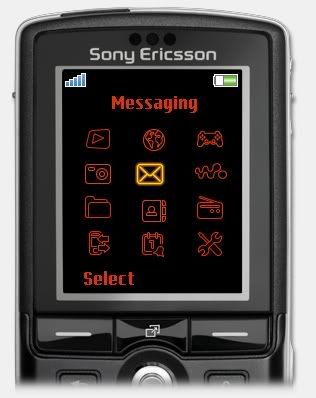
Custom Menu 1
Custom Menu 2
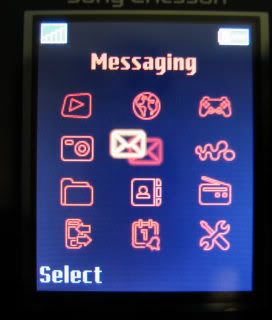
Custom Menu 2
Custom Menu 3
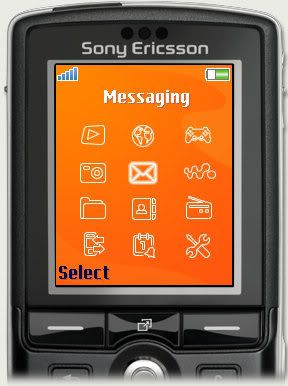
Custom Menu 3
Custom Menu 4
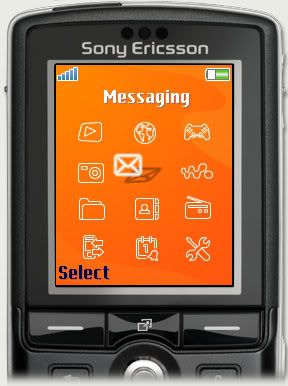
Custom Menu 4
Custom Menu 5
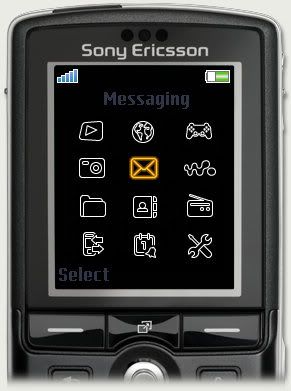
Custom Menu 5
Avenue Icons
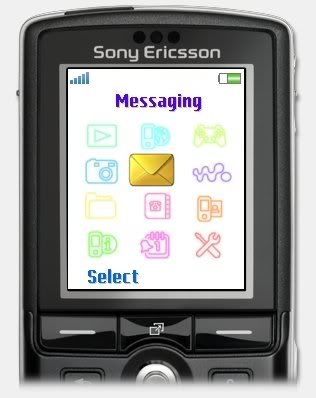
Avenue Icons Menu
OS X
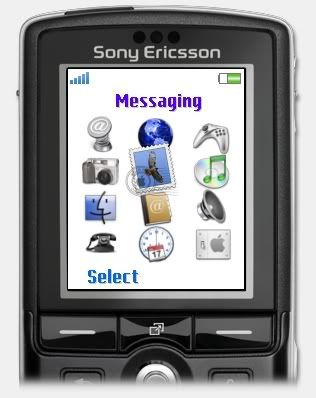
OS X Menu
Ring Icons
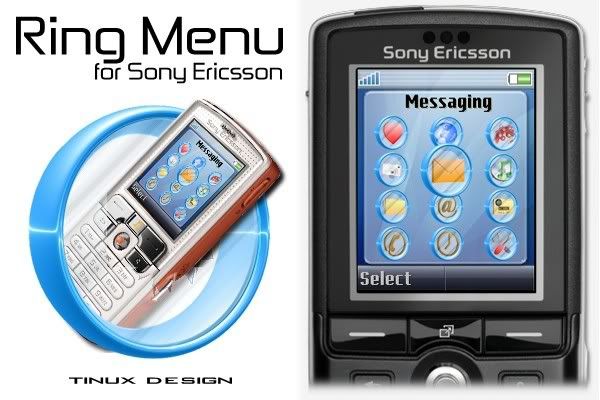
Ring Icons Menu
Breakbeat Icons
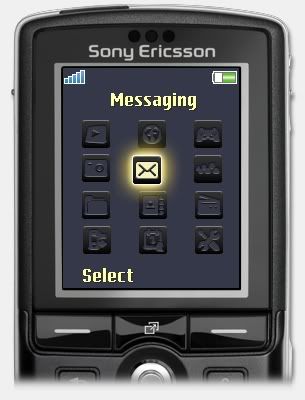
Breakbeat Icons Menu
Breakbeat Horizontal Menu
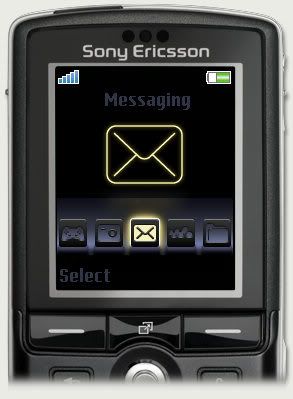
Breakbeat Horizontal Menu
Clockwise Menu

Clockwise Menu
Backstreet Horizontal Menu

Backstreet Horizontal Menu
Rotatory Menu

Rotatory Menu
Equalizer Horizontal Menu

Equalizer Horizontal Menu
[ This Message was edited by: g-roxx0304 on 2006-06-23 01:09 ] |
|
|
rockygali
Joined: Nov 21, 2005
Posts: > 500
From:
PM, WWW
|
nice thread you put it there mate... ill be watchin this...
"Darkness is the absence of light.. and not the opposite..." |
xan K
Joined: Jun 15, 2006
Posts: > 500
From: Republica Dominicana
PM |
nice menus man. thanks for the thread... it's a bitch w810 is not supported with FAR,  |
ritche_m
Joined: Nov 15, 2005
Posts: 57
PM |
i like the OSX menu! 
how do i change my menus? thanks
[ This Message was edited by: ritche_m on 2006-06-23 04:37 ] |
WhiteEye
Joined: Jun 20, 2006
Posts: > 500
From: Jakarta, Indonesia
PM, WWW
|
Wow, great!! Anybody can help me changing menu layout of my W800?
Or what should I do myself? |
arnarn911
Joined: Oct 04, 2005
Posts: 141
From: Pilipinas
PM |
is it possible to redirect the play button to launch a different shortcut?
|
rockygali
Joined: Nov 21, 2005
Posts: > 500
From:
PM, WWW
|
yes it is possible and i think max_wedge has done it...
"Darkness is the absence of light.. and not the opposite..." |
philo
Joined: Mar 26, 2004
Posts: 19
PM |
How is possible change my K750 menu with this new icons???? |
bulti48
Joined: Nov 13, 2003
Posts: 173
PM |
Look here
If you're going through hell - keep going. |
PhiberOptic
Joined: Jun 23, 2006
Posts: 4
From: Croatia
PM |
page don't work.... |
g-roxx0304
Joined: Nov 20, 2005
Posts: 127
PM |
Se-nse is kinda down. |
bulti48
Joined: Nov 13, 2003
Posts: 173
PM |
You can read more about it in this thread, see point 'h'
You should take note of the comment left by Numb at the bottom of page 1 though.
If you're going through hell - keep going. |
xan K
Joined: Jun 15, 2006
Posts: > 500
From: Republica Dominicana
PM |
good reminding bulti48... everyone should careful and perfectly know what they're doing...
|
QuickShare
Joined: May 06, 2006
Posts: > 500
From: MYR
PM |
Here's Mine..
Simply Made

its not that blurry from what you saw right here, its CRYSTAL CLEAR probably it cause by the software.. wondering why i cant keep the original look <-< any better software for this kind of thing? thx in advance
[ This Message was edited by: QuickShare™ on 2006-06-24 06:26 ] |
mritun
Joined: Apr 16, 2006
Posts: 2
PM |
QuickShare: Nice Menu !!! Would you like to share it with us ?
To get original cystal clear images, do any of the following:
1. Stuck with JPG (original source is JPG, or you don't have any better): Try to save with higher quality. 80%-95% image quality should preserve most of the brilliance.
2. If original is really good, try saving it in PNG format (even XP's Paint can do it). PNG is lossless image format and preserves all details with good file size.
AVOID GIF! GIF is 256 colour only format, you'd lose the extra colour information. |
|
|


 Posted: 2006-06-23 01:43


